The steps
- Pick the garment. Choose a tee, hoodie, jumper, tank, polo, kids garment or tote, and the colours you want.
- Place your design. Upload your logo or artwork, or type some text and pick a font. Drag it into position and size it to suit.
- Enter your sizes. Each colour only lists the sizes it is made in, so you can not pick one that does not exist.
- Check the proof, then pay. Your cart shows a proof for every colour you ordered. Read it closely for spelling and placement, because we print exactly what you approve.
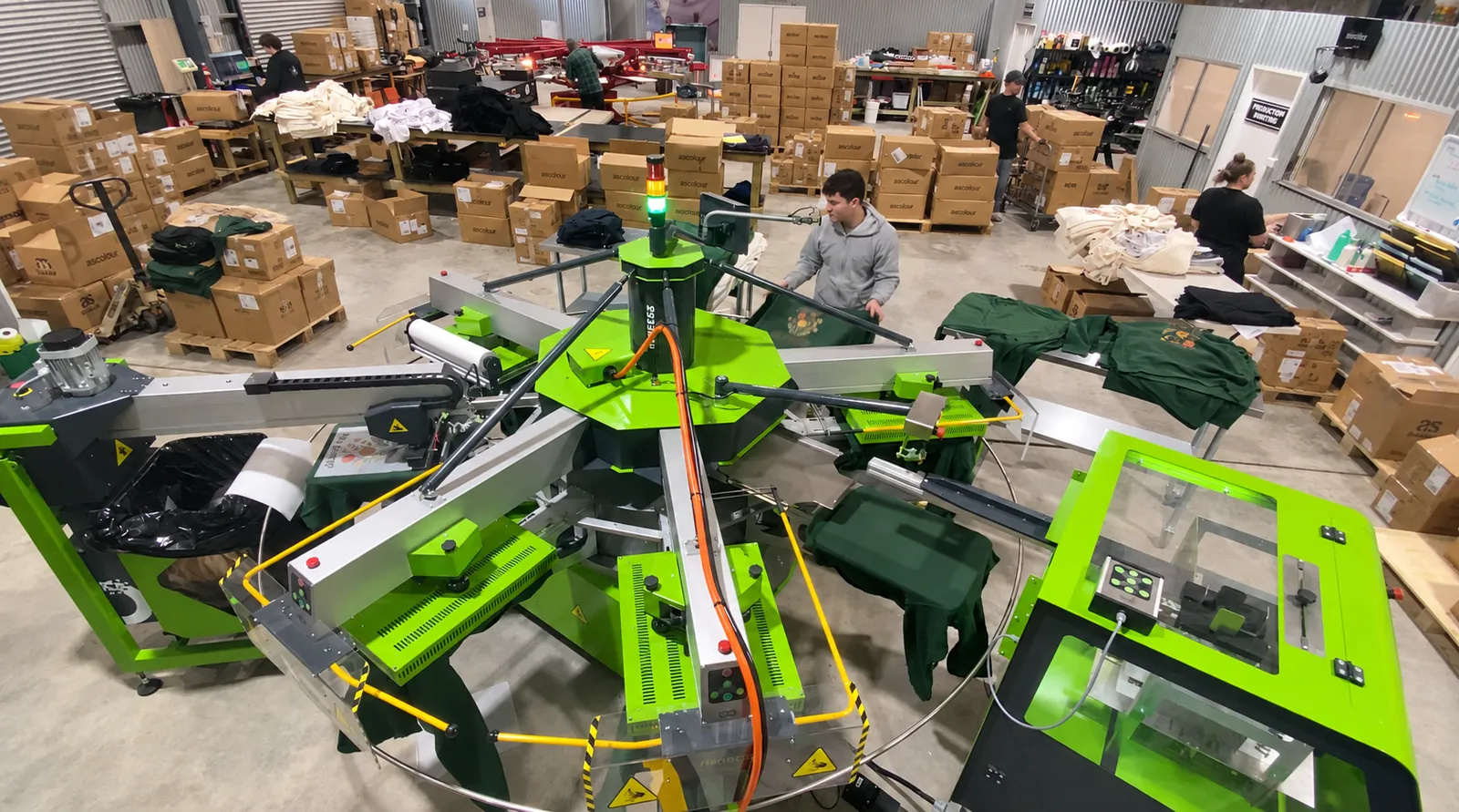
- Printing and curing. We print your garments and heat cure each print so it lasts, then check and pack them by hand.
- On its way. Most orders leave us within 7 to 10 business days, and your tracking link is emailed as soon as it ships.
As many colours as your artwork has
Prints come out in full colour, so photos, gradients, fine detail and busy logos all reproduce. More colours never cost more, and there is no setup or artwork fee. The first print is built into every price on the site, and the price per garment falls as your quantity rises.
Getting your artwork right
- File types: PNG, JPG, SVG, WEBP, PDF and AI.
- Sharpest result: a PNG with a see through background, or a vector file (PDF, AI or SVG), which stays crisp at any size.
- Resolution: work to 300 dpi at the printed size. A 30 cm wide front print needs an image roughly 3,500 pixels across. Images saved from websites or social media usually look fuzzy when printed large.
- Backgrounds: whatever is in your file gets printed, including a white or coloured box around your logo. The designer can remove a plain background colour, or you can upload a file that already has a see through background.
- Fine detail: keep lines at least about 1 mm thick and text at least about 5 mm tall for a clean result.
- Starting from scratch? Use the designer's text tool, or build a design in a free app such as Canva and upload it.
Only upload artwork you own or have permission to use. We will not print anything that copies another brand's logo, trade mark or characters.
Maximum print sizes
Largest print for each spot, Approx cm. The designer only offers the spots a garment can take and keeps your artwork inside the print area.
| Print spot | Largest size, Approx cm |
|---|---|
| Front centre or back centre | 31 wide x 41 high |
| Left or right chest | 10 x 10 |
| Front base or back base | 31 wide, 16 to 22 high depending on the garment |
| Left or right flank | 20 x 40 |
| Left or right sleeve | 7 x 10 |
| Neck, under the label | 10 x 6 |
| Spine, down the back | 8 x 41 |
| Tote bag, each side | 28 x 30.5 |
Kids and youth garments can take slightly smaller prints, and placement may shift by around 2 cm between garments.
Keeping your print looking new
- Wash the garment inside out.
- Use a cool wash, and keep it away from denim, zips and rough fabrics. Do not overfill the machine.
- Hang it out to dry rather than using a tumble dryer.
- Skip bleach, fabric softener and dry cleaning.
- Never put an iron on the print. If it needs ironing, turn it inside out first.
How long it takes
Most orders leave us within 7 to 10 business days of payment, with delivery time on top depending on the shipping you pick. Working to a deadline? Email sales@t-shirtexpress.com.au before ordering and we will tell you what we can do. Delivery times are on the delivery page.
Last updated October 2026